Security teams struggled with threat identification and response due to fragmented dashboards, high alert noise, and poor visibility into risk context. Existing tools were technically powerful but cognitively overwhelming — resulting in delayed responses, missed threats, and analyst fatigue.
The platform served three distinct user roles — Security Analysts, Security Managers, and MSSP Partners — each with unique needs around speed, visibility, and control. A one-size-fits-all dashboard approach had failed all three. The redesign needed to serve each role without fragmenting the product.
Before evaluating any interface decision, I first ask myself one question: who is sitting at this screen, and what are they trying to accomplish in the next 60 seconds?
While working on this tool, I recognised that the product serves at least three distinct user roles, yet the existing interface seemed designed primarily for administrators rather than the analysts who use it most intensively.
To understand how security analysts and managers actually worked under pressure, I conducted behavioral research that went beyond surface usability — observing live sessions and mapping full investigation journeys.
Research revealed that the core problem wasn't data availability — it was decision clarity. Analysts needed to act faster, not see more.
Analysts handle extremely high alert volumes daily. Prioritization matters far more than additional data visibility — more alerts without context creates more noise, not more clarity.
Analysts naturally perceive threats as progressive stories — attack origin → evolution → system impact. Dashboards that ignored this narrative flow broke investigation momentum.
Trust in automated threat scoring improves dramatically when users understand the reasoning and evidence behind system decisions. Black-box scores were routinely dismissed.
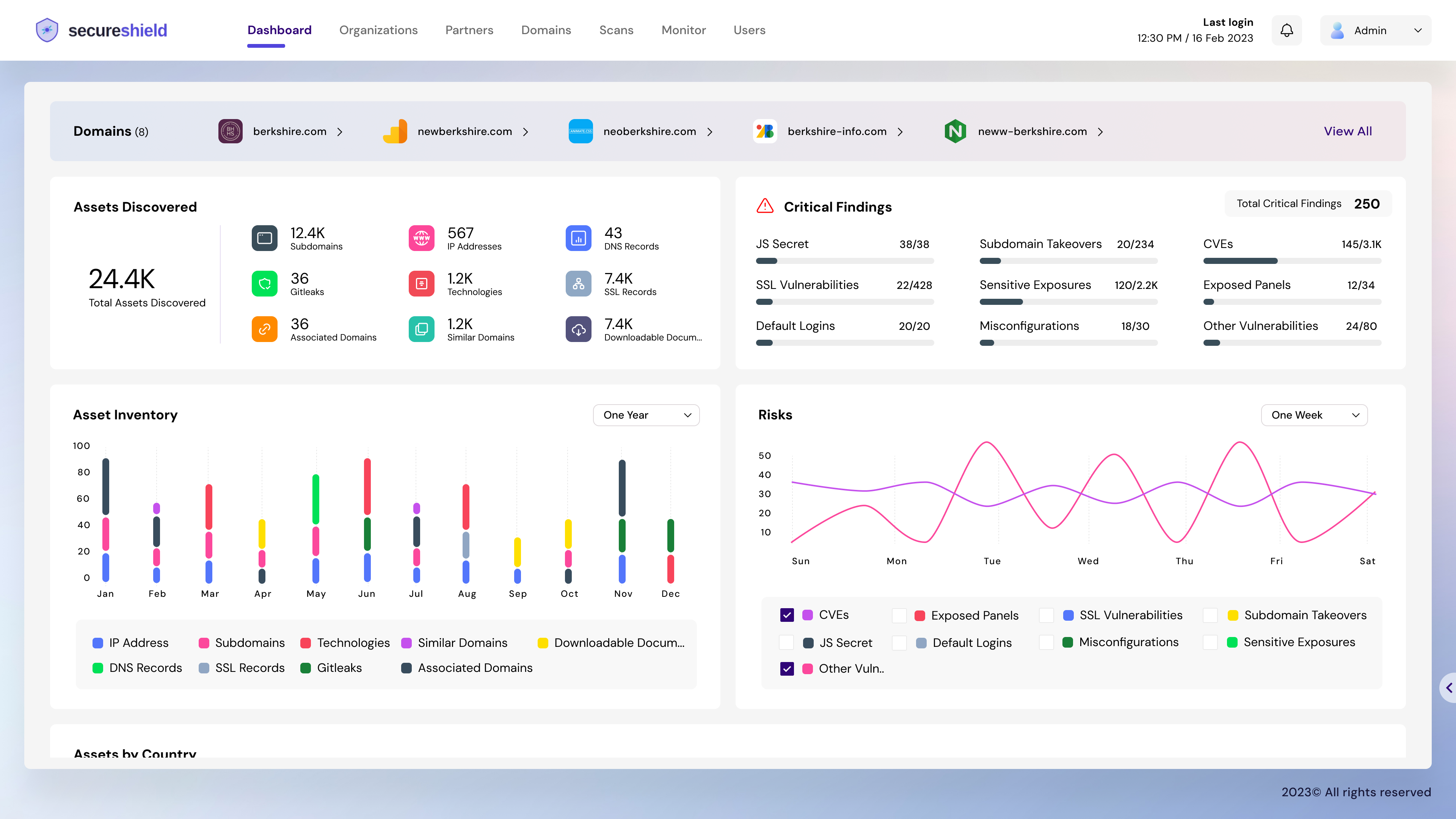
Layered decision cues including risk indicators, evidence visibility, and impact previews to reduce uncertainty-driven hesitation. Analysts act when they understand, not just when they see.
Progressive depth and flexible exploration enabling users to maintain context across investigative paths without losing their place or starting over.
Intelligent information structuring through signal clustering, minimised context switching, and actionable insight emphasis — putting the most critical information first.
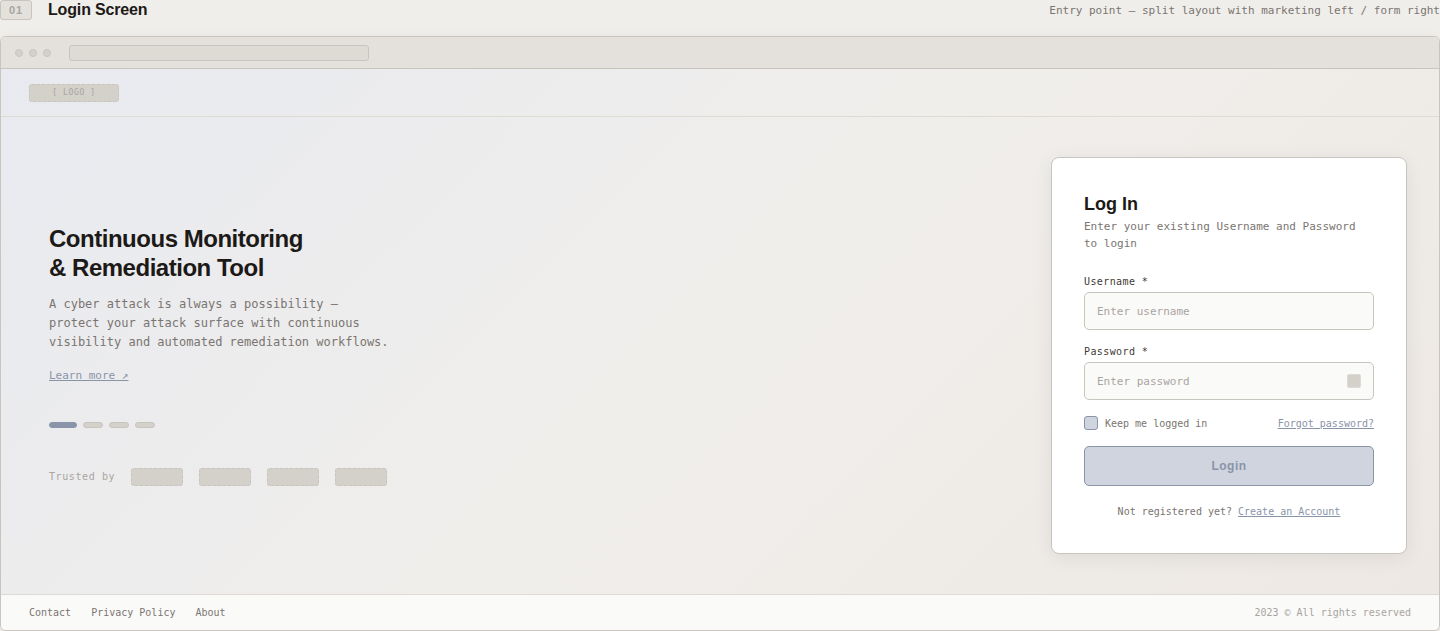
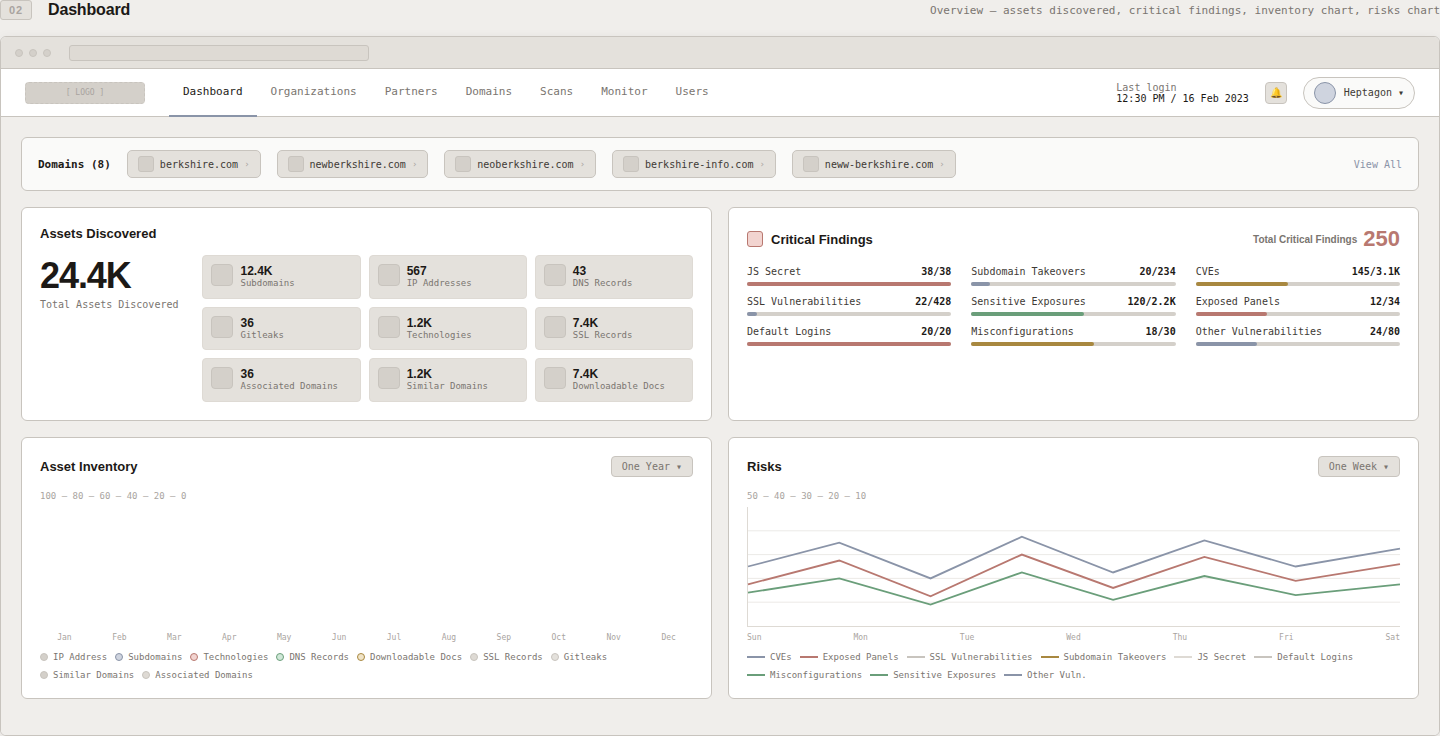
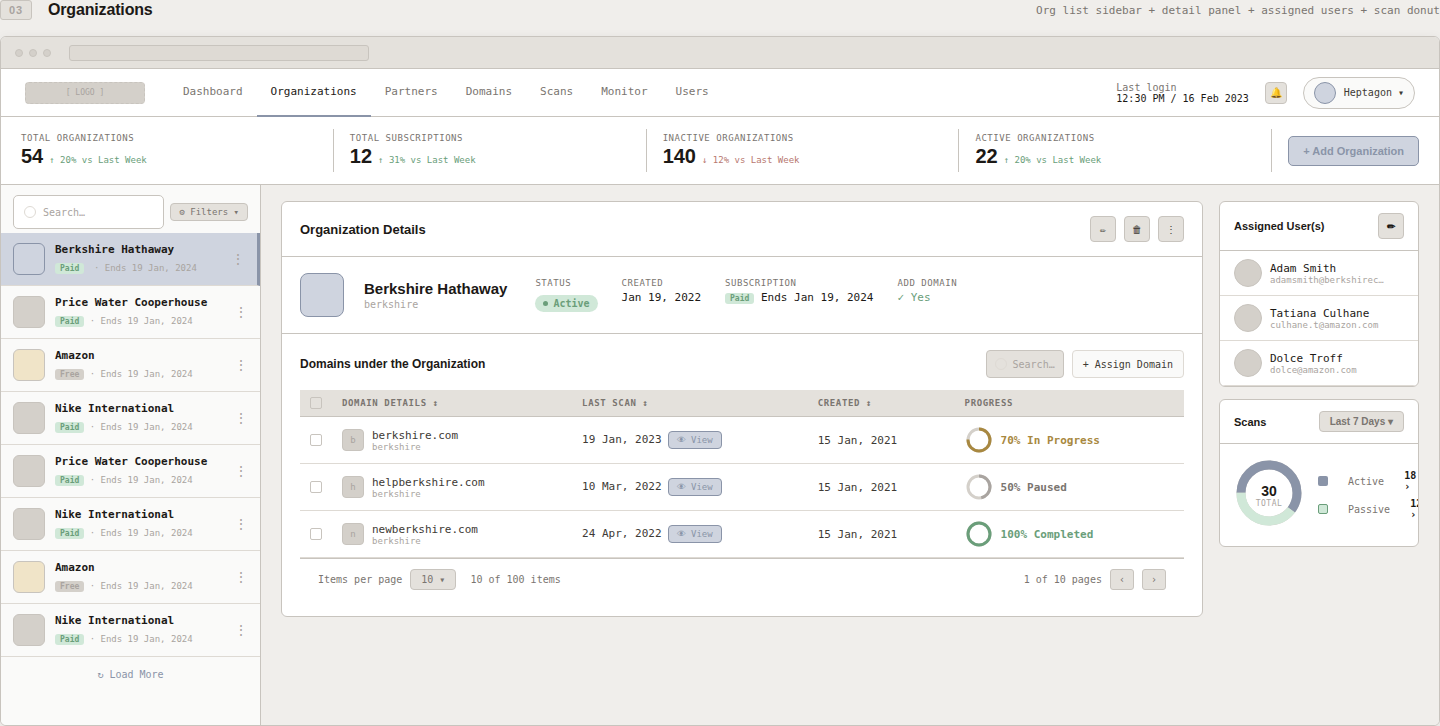
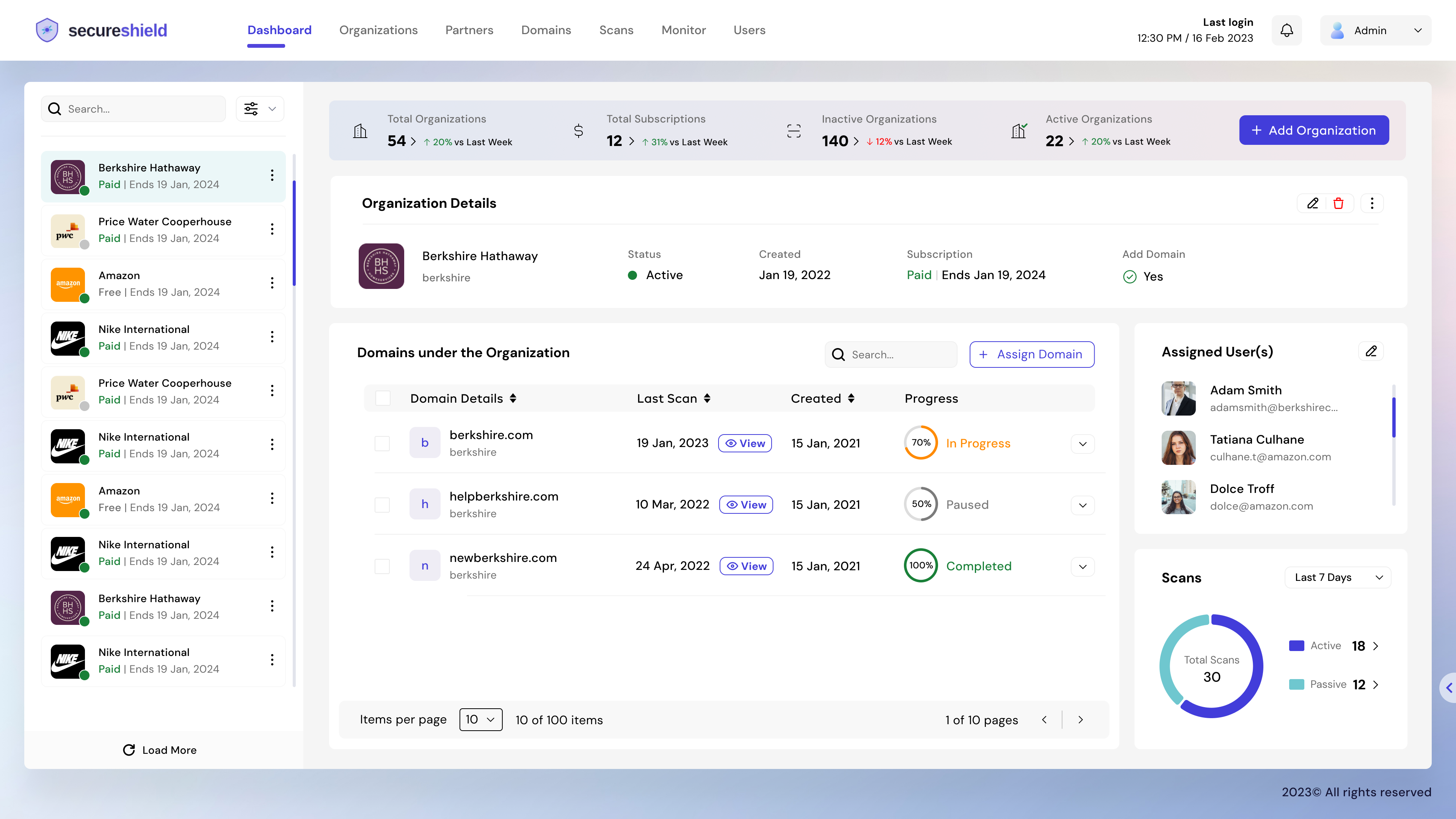
Early wireframes establishing the core information hierarchy — from the login experience through the main threat dashboard and multi-organisation management view.
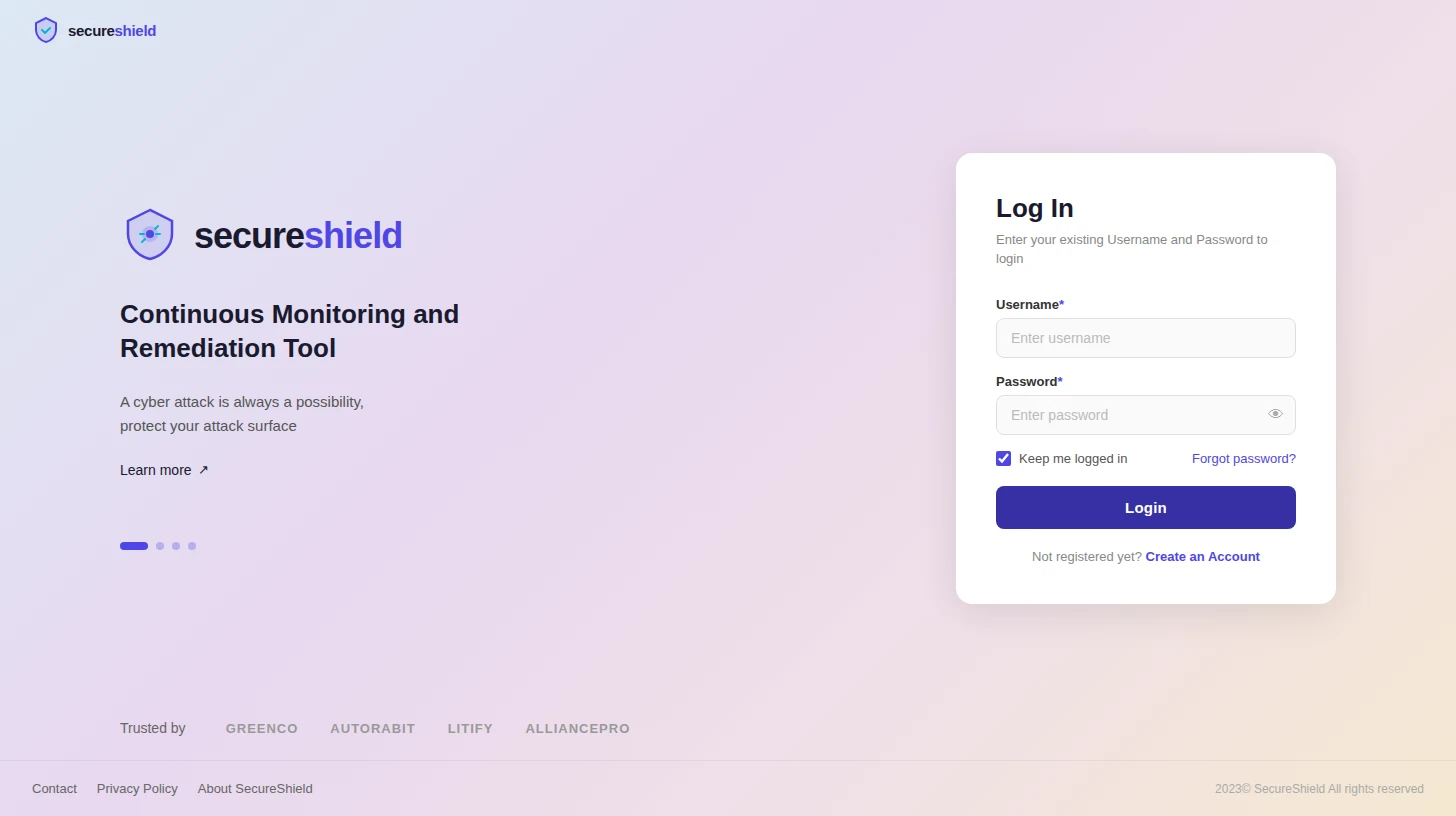
High-fidelity screens from the redesigned SecureShield platform — showing the refined threat visibility, contextual investigation flow, and role-adapted dashboard experience.
By shifting focus from alert monitoring to decision acceleration, the redesign enabled faster analyst action, improved system intelligence trust, and enhanced risk management effectiveness in complex enterprise environments. SecureShield became a platform analysts actively wanted to use.